Safety Paperwork, Done Where the Work Is
Built for the people actually on site, not for whoever sits nearest the printer. Report an incident or run an inspection from a phone, standing where the problem is. It's the same system your office uses on the web, so nothing gets typed up twice.
One App. Every Safety Task.
Risk assessments, incident reports, permits, audits, training records—all in a single mobile-ready platform your team will actually use.
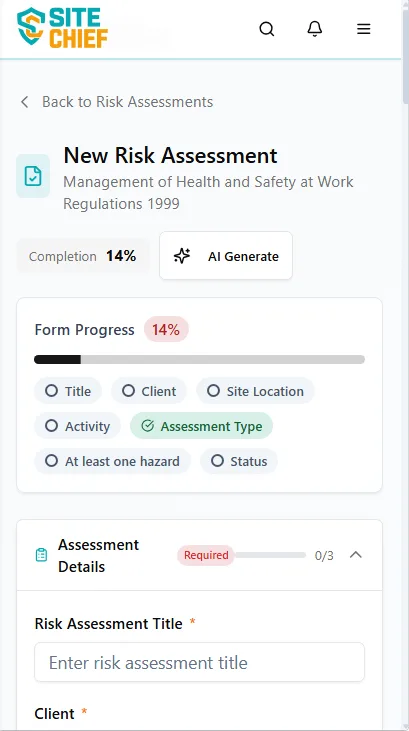
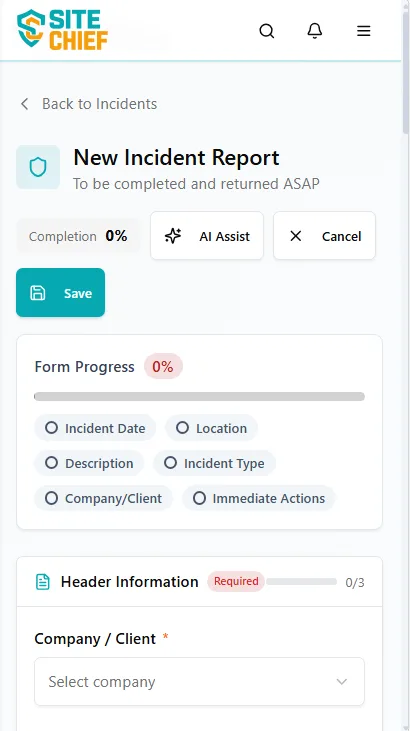
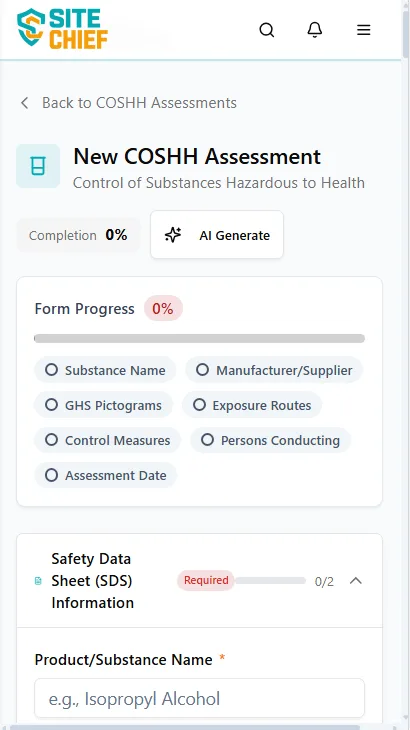
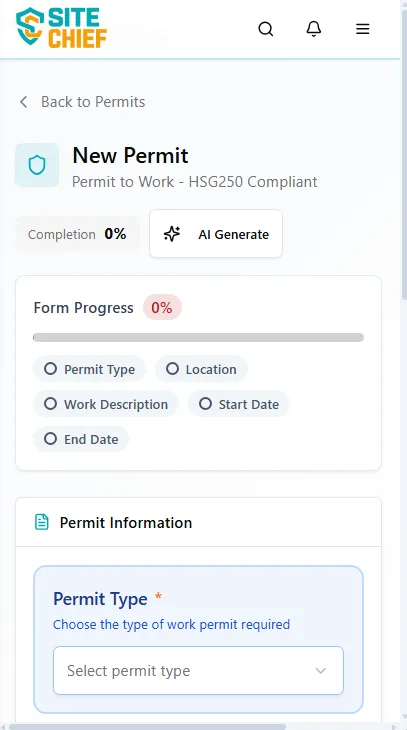
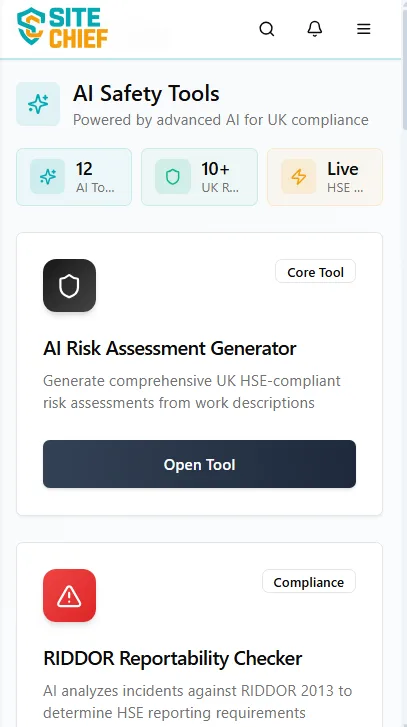
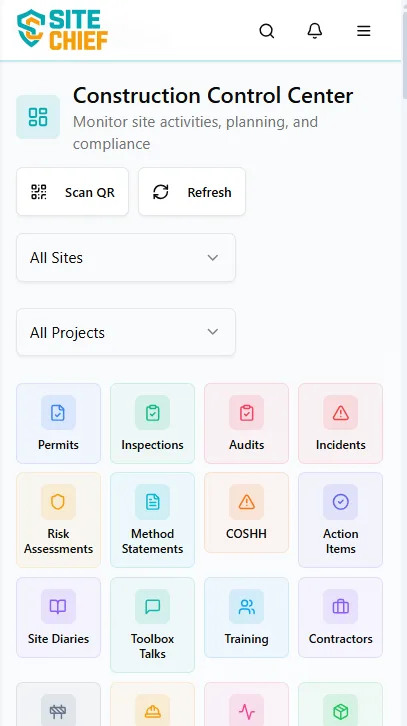
What the App Covers
The jobs that usually wait until someone's back in the cabin, done at the time instead. Short forms and big buttons, because you'll be using it one-handed in the rain.
Report an Incident From Where It Happened
Photos first, while the scene is still as you found it. The app tags the GPS position, so there's no argument later about which compound or which floor it was, and nothing to write up when you get back.
Inspections and Audits on the Walk
Your own checklists rather than a generic template. Flag the defect, photograph it, submit.
Permits to Work Without the Paper Chase
Raise it on the phone, get it signed on the phone, signature captured on screen. Which means no carbon copy walking back to the office, and none turning up damp in a van door a week later.
Near Misses Logged on the Spot
Most near misses never get reported because the form is a faff and the moment passes. Ours is short. Record what you saw while it's fresh, then get back to work.
Check the Numbers From Site
You get the same figures the office has, on a phone. Open actions, overdue inspections, compliance numbers. Useful when a client asks something on the walk.
Alerts That Reach You on Site
If someone assigns you an action, or a permit decision comes back, or an inspection tips over into overdue, the phone tells you. No sitting watching an inbox.
A Bigger Screen for the Long Audits
A phone is right for a quick near miss report. It isn't right for a forty-item scaffold inspection with a photo against half the lines. On a tablet the whole form sits in front of you and the dashboards stop needing a magnifying glass. Plenty of safety advisers carry one for the monthly audit and keep the phone for everything else.
Inspections
Checklists at full size, photos attached as you go
Dashboards
Compliance figures and open actions, large enough to show a client
Digital Signatures
Permits and forms signed on the screen, there and then
Site Walkarounds
Observations tagged with where you were standing
Only the Alerts You Ask For
You pick what the app is allowed to interrupt you for. A supervisor doesn't need a buzz every time someone closes an action. They do need one when a permit's waiting on their signature.
Actions Assigned to You
Your name goes against a corrective action, your phone buzzes. That's it
Permit Decisions
Approved, rejected, or sat waiting for your signature. You hear either way, so nobody's stood at the gate guessing
Inspections Falling Due
A nudge before the inspection goes overdue, not a telling-off after it has
Safety Alerts
Urgent site-wide notices and incident alerts. The one category most people leave switched on
Get the App on Site Phones
iOS and Android. No extra charge if you already subscribe to SiteChief.
Set up your SiteChief account, then install the app and sign in with the same login. Hand the phone to a supervisor and they'll have it worked out before their tea's gone cold.