Health and Safety Software for Schools: A Guide for Business Managers and SBMs
Key Takeaways
- School health and safety involves much more than maintaining a folder of risk assessments. Risks, actions, incidents, inspections, training and compliance records all need ongoing attention.
- Health and safety software for schools can give business managers a central view of what has been reported, what needs action and what remains outstanding.
- A risk assessment app can make it easier for staff to create access and update assessments from different areas of the school.
- Good health and safety management software should support accountability without creating another layer of administration.
- Software does not replace the school's competent person or management responsibilities; it helps organise the processes behind them.
A school business manager rarely has the luxury of dealing with one operational issue at a time. A contractor may need access to the site while a maintenance issue is being followed up, a risk assessment may need reviewing, staff training records may need checking, and an incident from the previous week may still require action.
Health and safety sit across all of this.
For schools in England, the employer remains accountable for health and safety, while day-to-day responsibilities are commonly delegated to school leadership and management. Schools must also have suitable arrangements for assessing and controlling risks and recording significant findings.
The challenge for an SBM is therefore not simply knowing what the risks are. It is keeping track of who is responsible for what has been completed and what still needs attention.
Where Does School Health and Safety Management Become Difficult?
Paperwork is rarely the only problem.
A school can have risk assessments, inspection records and health and safety policies in place, yet still struggle to see the current position across the site. One document may sit in a shared drive, another in a spreadsheet, while an action from an inspection is being followed up through email.
That makes simple questions surprisingly difficult to answer:
- Which actions are still outstanding?
- When was this risk assessment last reviewed?
- Who owns the corrective action?
- Has the reported hazard actually been resolved?
- Which inspections or checks are due?
- Can the school demonstrate what happened after an incident?
DfE guidance describes risk assessments as working documents that should be reviewed when circumstances change, while school estate guidance calls for risks and actions to be routinely monitored and reviewed.
A system that keeps those activities connected can be more useful than another place to store documents.
What Can Health and Safety Software for Schools Actually Manage?
The useful question is not how many features a platform has. It is whether the software helps the school move from finding a risk to resolving it.
Depending on the system, a school may use health and safety software to manage:
- Risk assessments: Create, review, update, and store assessments in a structured environment rather than relying on scattered files.
- Incidents and accidents: Record what happened, capture relevant details, and assign follow-up actions.
- Inspections: Schedule checks across classrooms, playgrounds, premises and other areas, then record findings as they happen.
- Corrective actions: Turn an identified issue into an assigned task with an owner, deadline, and status.
- Compliance records: Keep evidence of checks, reviews, training, and other activities that may need to be demonstrated later.
That last point matters. DfE guidance says schools should monitor and review their health and safety arrangements and investigate incidents to ensure appropriate corrective action and improvements are made.
Why a Risk Assessment App Can Be Useful on a School Site
Risk assessments are not especially useful if the people carrying out the work cannot access them when they need them.
A risk assessment app gives staff the option to work from the location where the issue is being assessed. A premises team member checking a site, for example, can record observations without returning to a desk to recreate them later.
Classroom changes are used. New equipment has arrived. Construction work has started. A previously identified hazard of change. These are the kinds of circumstances in which an existing assessment may need to be reconsidered rather than simply left in an annual review folder.
The value is therefore less about making risk assessments “digital” and more about making them easier to keep current.
What Should an SBM Look for in Health and Safety Management Software?
An SBM does not need another system that creates work without improving visibility.
Look for a platform that makes ownership clear. If an inspection identifies a problem, the software should make it obvious who is responsible for the next action and whether it has been completed.
Useful capabilities may include:
- Centralised risk assessments and safety records
- Incident and accident reporting
- Inspection and audit scheduling
- Action assignment and deadlines
- Automated reminders
- Document and evidence storage
- Permission-based access
- Reporting for senior leaders or governors
- Mobile access for staff working around the site
When it comes to safety compliance, integration is equally important to that of individual features. Thus, if your incident reporting, risk assessments, inspections, and your corrective actions are in different systems, you are still left to piece together the complete picture manually.
Moving From Records to Active Safety Management
A spreadsheet can tell you that an inspection happened. A disconnected folder can hold a risk assessment. Neither necessarily tells the whole story.
A stronger system connects the sequence:
Risk identified → action assigned → action completed → evidence recorded → control reviewed.
That gives business managers something more useful than a collection of documents: a current view of how health and safety is being managed across the school.
SiteChief develops health and safety technology aimed at assisting businesses in managing risks, incidents, actions, and compliance via connected methods. For educational institutions, this visibility can lead to business supervisors utilizing their time efficiently doing work rather than following up on numbers.
FAQs
What is health and safety software for schools?
Health and safety software for schools is a digital system used to organise activities such as risk assessments, incident reporting, inspections, corrective actions, compliance records, and safety documentation.
Can a risk assessment app replace a written risk assessment?
No. An app is simply a way of creating, storing, accessing or updating risk assessment information. The assessment still needs to identify relevant hazards, consider who may be harmed, and establish appropriate control measures.
What should school business managers look for in health and safety software?
Look for clear action of ownership, risk assessment management, incident reporting, inspections, reminders, evidence storage, reporting and appropriate access controls. Mobile functionality can also be useful for premises and staff teams working across the school site.
Does health and safety software replace a competent person?
No. Schools still need appropriate competence, oversight, and management arrangements. Software supports those arrangements; it does not assume responsibility for health and safety decisions.
How can software improve health and safety management in schools?
It can bring risk assessments, incidents, inspections, and corrective actions into one system, making it easier to identify outstanding work, assign responsibility, and maintain a record of what has been done.
Related Articles
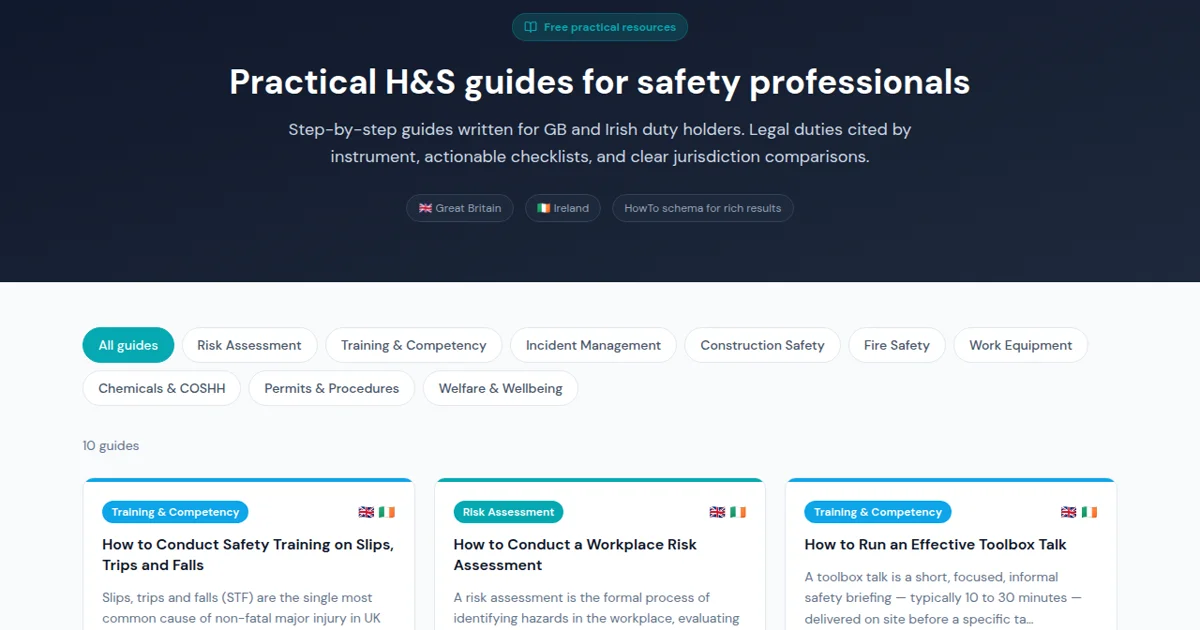
How H&S Guides Help Safety Managers and Teams Meet Their Compliance Duties
SiteChief free H&S Guides give safety managers step-by-step how-to frameworks across risk assessment, incident management, construction safety, fire, COSHH and more — with legal citations, checklists and jurisdiction comparisons.

From Root Cause to Resolution: Building a CAPA Process for Health & Safety
Learn how to build an effective CAPA process for health and safety, turning root cause findings into lasting resolutions with the right software.

Incident reporting software comparison: UK guide 2026
Discover our incident reporting software comparison for UK workplaces. Explore top options like SiteChief, SafetyCulture, and more.